Showing posts with label Internet. Show all posts
Internet Download Manager can help you accelerate your downloads. It works by creating various threats so that multiple sections (up to 16) of the same file can be downloaded at the same time. In addition, it lets you pause and resume your downloads, an action that is not always available from regular procedures.

click to enlarge

Changelog:
What's new in version 6.21
(Released: Jul 11 2014)
  • Fixed detections of two separate video and audio streams in Chrome browser
  • Improved IDM download engine
  • Fixed bugs

Operating System: Windows XP, Vista, 7 & 8.1 (32 and 64 bit)
Homepage: here
File Size: 6 MB
Download
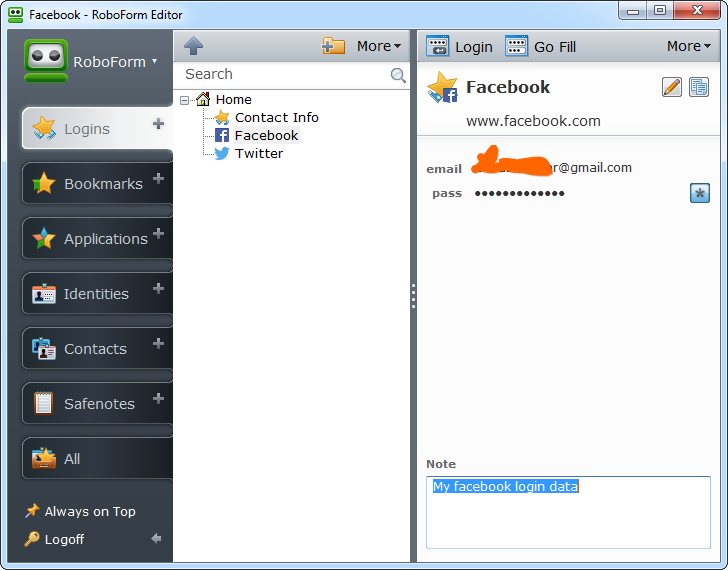
RoboForm 7.9.8.5 EnterpriseIf you guys talk about the best personal security apps to manage all your password and any kind of forms, you must have this cool apps. Ai roboforms is integrates with all kinds of browsers for Windows, Linux or Mac operating systems, mobile systems, U3 (USB) drives. this software will keep your personal login data, and and when you need to fill a form, just click Fill Forms button, and form is filled out.

RoboForm 7.9.8.5 Enterprise
Click to Enlarge
Changelog
Version 7.9.8 -- June 24, 2014
  • Security: support new two-factor authentication for RoboForm Everywhere accounts.
  • Sync: Fix RF does not delete lock.gsl file when user stops sync operation.
  • Sync: Fix 'RoboForm -> Sync- > Delete state files' command does not work.
  • Sync: Fix RF does not use proxy settings during creation of a new RFO account.
  • AutoUpdate: make download and install of new version more automated.
  • AutoUpdate: download new version from secure URL (HTTPS).
  • Win32: fix crashes if third-party software 'Ginger' is installed on the system.
  • Firefox: Fix Version Check dlg appears behind Firefox window, if called from toolbar.
Operating System: Windows XP, Vista, 7 & 8.1 (32 and 64 bit)
Homepage: here
File Size: 15 MB
Download
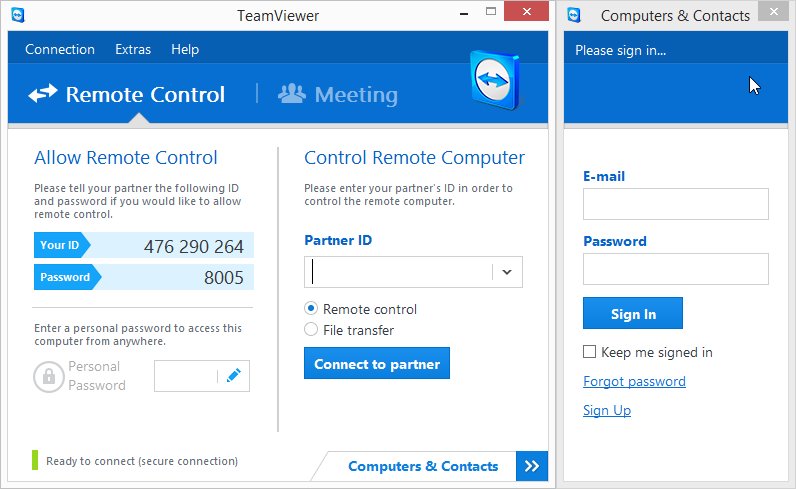
TeamViewer 9.0.29480 EnterpriseTeamViewer is a simple and fast solution for remote control, desktop sharing and file transfer that works behind any firewall and NAT proxy. Just enter your partner's ID into TeamViewer and the connection is established immediately. With several million users worldwide TeamViewer is a standard tool to give support and assistance to people in remote locations. The software can also be used for presentations, where you can show your own desktop to a partner, e.g. to present a software solution. TeamViewer offers secure, encrypted data transfer to maximize security

TeamViewer 9.0.29480 Enterprise
Click to enlarge
 Remote Support and Remote Access
  • Remote Support – no need for any installation on the client side
  • Remote Administration – 24/7 access to remote computers and servers
  • Remote Access – access your data and applications – anytime, anywhere
  • Home Office – access your office computer from home

Online Meeting and Online Presentation
  • Online Meetings – have up to 25 participants
  • Online Presentation – boost your sales potential
  • Training Session – cut costs by conducting training online
  • Online Teamwork – collaborate online on documents in real-time

Operating System: Windows XP, Vista, 7 & 8.1 (32 and 64 bit)
Homepage: here
File Size: 7 MB
Download
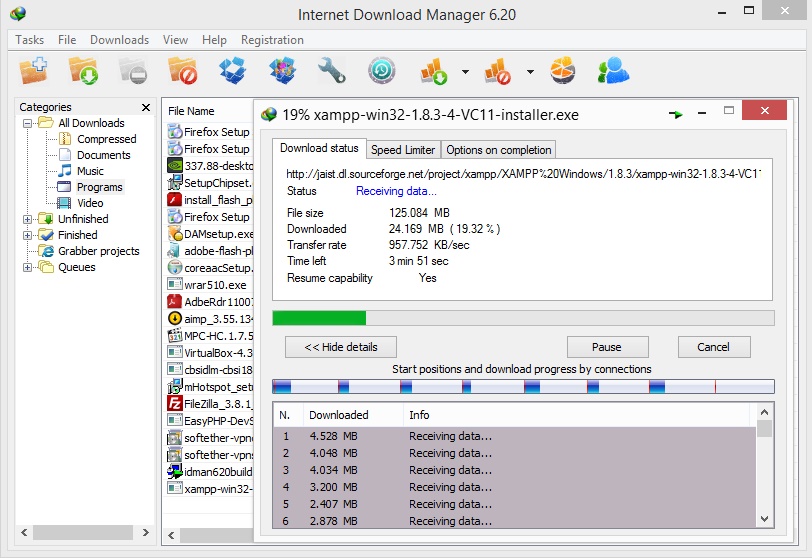
Internet Download Manager 6.20 Build 3Internet Download Manager (IDM) is a tool to increase download speeds by up to 5 times, resume and schedule downloads. Comprehensive error recovery and resume capability will restart broken or interrupted downloads due to lost connections, network problems, computer shutdowns, or unexpected power outages. Simple graphic user interface makes IDM user friendly and easy to use.Internet Download Manager has a smart download logic accelerator that features intelligent dynamic file segmentation and safe multipart downloading technology to accelerate your downloads. Unlike other download managers and accelerators Internet Download Manager segments downloaded files dynamically during download process and reuses available connections without additional connect and login stages to achieve best acceleration performance.

Internet Download Manager 6.20 Build 3
Click to enlarge
Changelog:
What's new in version 6.20 Build 3
(Released: Jun 17, 2014)
  • Fixed a critical bug when saving and resuming several types of videos
  • Fixed a bug in the recognition of several types of videos in Google Chrome

Operating System: Windows XP, Vista, 7 & 8.1 (32 and 64 bit)
Homepage: here
File Size: 5 MB
Download
Proxifier is an application that aims to help you take another step towards total freedom on the Internet, as it is designed to grant you access to any online resource through your very own proxy, no matter the software solution you use. As you may already know, some of the Windows apps we're using do not come with built-in proxy support, so it's almost impossible to start them if there's a firewall restriction in place. But not if you use Proxifier. This application has been designed to enable any program to access the Internet through a proxy, no matter if it has such an option or not.


Here are some key features of "Proxifier":
 - Run any network applications through a proxy server. No special configuration is required for the software; the entire process is completely transparent.
- Access the Internet from a restricted network through a proxy server gateway.
- Bypass firewall restrictions.
- “Tunnel” the entire system (force all network connections including system connections to work through a proxy server).
- Resolve DNS names through a proxy server.
- Use flexible Proxification Rules with hostname and application name wildcards.
- Secure privacy by hiding your IP address.
- Work through a chain of proxy servers using different protocols.
- View information on current network activities (connections, hosts, times, bandwidth usage, etc.) in real-time.
- Maintain log files and traffic dumps.
- Get detailed reports on network errors.

Operating System: Windows XP, Vista, 7 & 8.1 (32 and 64 bit), 2K, 2003, 2008
Homepage: here
File Size: 7 MB
Download
[Installer + Serial]
http://adf.ly/pG9Gb
[Portable + Serial]
http://adf.ly/pG9Gb
[Only Serial
http://adf.ly/pG9Gb

Internet Download Manager (IDM) is a tool to increase download speeds by up to 5 times, resume and schedule downloads. Comprehensive error recovery and resume capability will restart broken or interrupted downloads due to lost connections, network problems, computer shutdowns, or unexpected power outages. Simple graphic user interface makes IDM user friendly and easy to use.Internet Download Manager has a smart download logic accelerator that features intelligent dynamic file segmentation and safe multipart downloading technology to accelerate your downloads. Unlike other download managers and accelerators Internet Download Manager segments downloaded files dynamically during download process and reuses available connections without additional connect and login stages to achieve best acceleration performance.


What's new in version 6.20
(Released: Jun 05, 2014)
* Improved video recognition in web players
* Added the recognition and downloading of TS videos
* Resolved "403 Forbidden" problems while downloading some videos
* Fixed bugs

Operating System: Windows XP, Vista, 7 & 8.1 (32 and 64 bit)
Homepage: here
File Size: 5.8 MB
Download
[Installer + Medicine]
http://adf.ly/pG9Gb

[Only Medicine]


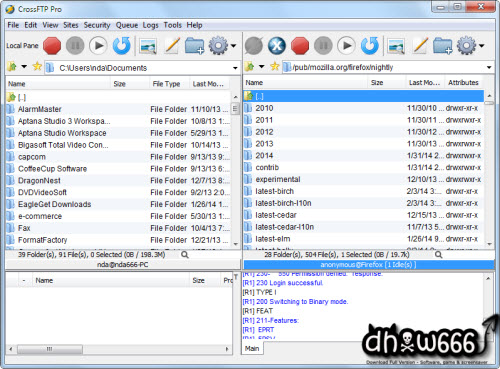
CrossFTP adalah software FTP client, mendukung FTP/FXP/SFTP/FTPS/WebDAV/S3 Client dan synchronization tool. CrossFTP sangat mudah digunakan, dengan tampilan seperti explorer sehingga pengguna pemula dapat menguasainya dalam hitungan menit. Aplikasi ini memungkinkan pengguna untuk mencari, mengekstrak dan mengkompres archives.

Features: 
  • Multiple tabs for local and remote file browsing
  • CrossFTP Server startup solution for easy LAN file sharing
  • Unicode support for international sites
  • Text and image quick viewer
  • Recursive File transportations
  • Quick file filtering by marks
  • Auto-reconnect and anti-idle
  • Password protection and certs management
  • Bonjour (ZeroConf) service discovery
  • Supports transfer compressing (Mode Z)
  • Robust backup and bi-directional file synchronization
  • Multi-thread queue processing engine
  • Supports secure encrypted FTP over TLS/SSL (FTPS)
  • Supports secure encrypted SSH FTP Transfer Protocol (SFTP) Supports secure encryped WebDav/HTTPS
  • Supports Amazon S3
  • IPV6 support
  • Supports FXP (Site to Site) file transportation
  • download and upload speed limit control
  • Powerful search tool for remote FTP files
  • Supports Remote quick view and edit
  • HTTP, FTP, and SOCK 4, 5 proxy support
  • Build-in scheduler support for the queue engine 
Operating System: 
Windows 98/ME/NT/2000/XP/Vista/7.
Homepage:
http://www.crossftp.com/
File Size: 
54 MB
Download
Installer & Keygen
Download CrossFTP Professional 1.94.2 Full Keygen (Via Tusfiles)
Keygen Only 
Download Keygen Only
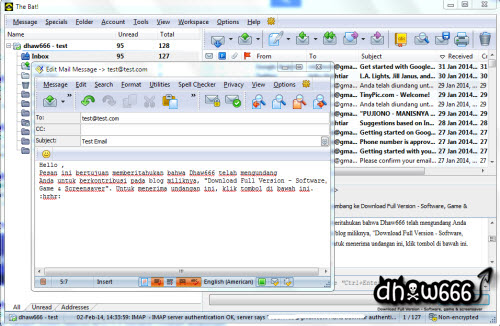
The Bat!, Email client untuk windows, mampu menangani jumlah account e-mail yang tidak terbatas dan mengolah dan menyimpan dengan jumlah yang tidak terbatas. Program ini menawarkan sistem message filtering otomatis, mudah sistem template, editor pesan dengan pemeriksa ejaan dan banyak fitur berguna lainnya.
  

Features:
  • Support for an unlimited number of accounts and users
  • Fully customizable message templates that save hours of typing
  • Powerful filtering for automated message handling
  • Support for S/MIME and PGP versions from 2.6x through 6.5
  • Mail Dispatcher for managing email on remote servers
  • Simultaneous mail processing in the background for all accounts
  • Familiar Explorer-style folders for organizing messages
  • Easily configurable user interface with message preview option
  • Built-in HTML email viewer and message editor with spell-as-you-go
  • Sophisticated address book for storing all personal information
  • Unique Mail Ticker for email notification
  • Multi-lingual interface supporting 15 languages on the fly
  • Import message bases from all major email clients
  • Many more features for managing email quickly and easily 
Operating System: 
Windows All
Homepage:
http://www.ritlabs.com/
Plugin:
http://www.ritlabs.com/en/products/thebat/plugin.php
File Size: 
26 MB
Download
Installer & Patch + Keygen
Download The Bat! Professional Edition 6.2.8 Full Patch + Keygen (Via Tusfiles)
Patch + Keygen Only 
Download Patch + Keygen Only
Internet Download Manager (IDM) tool downloader yang paling banyak diminati ini mampu meningkatkan kecepatan download dan kemampuaanya melakukan resume. Tak hanya itu, IDM juga dapat mendownload flash-video dari situs video sharing seperti Youtube, MySpaceTV dan lain-lain. IDM sangat user friendly, jadi sangat mudah teman-teman gunakan.